Debugging a dynamic_choice_command
On this page, we will cover the following:
- Preparing the debug session
- Starting the debug session
Step 1 - Preparing the Debug Session
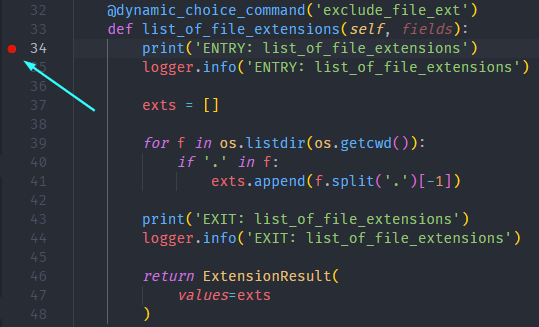
Open the extension.py file and set a breakpoint on the first line in the list_of_file_extensions method as shown below:
Now, press F5 and you should get the following error:
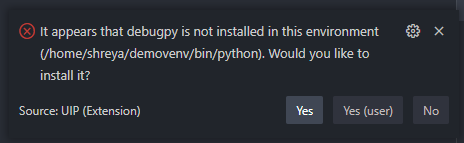
Click Yes and wait for VSCode to install debugpy
Immediately following debugpy installation, you should get another error notification:

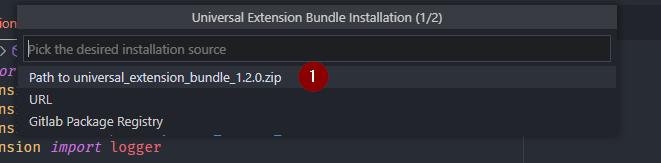
Click Yes and select Path to the universal_extension_bundle_1.2.0.zip option in the dropdown:
Step 2 - Starting the debug session
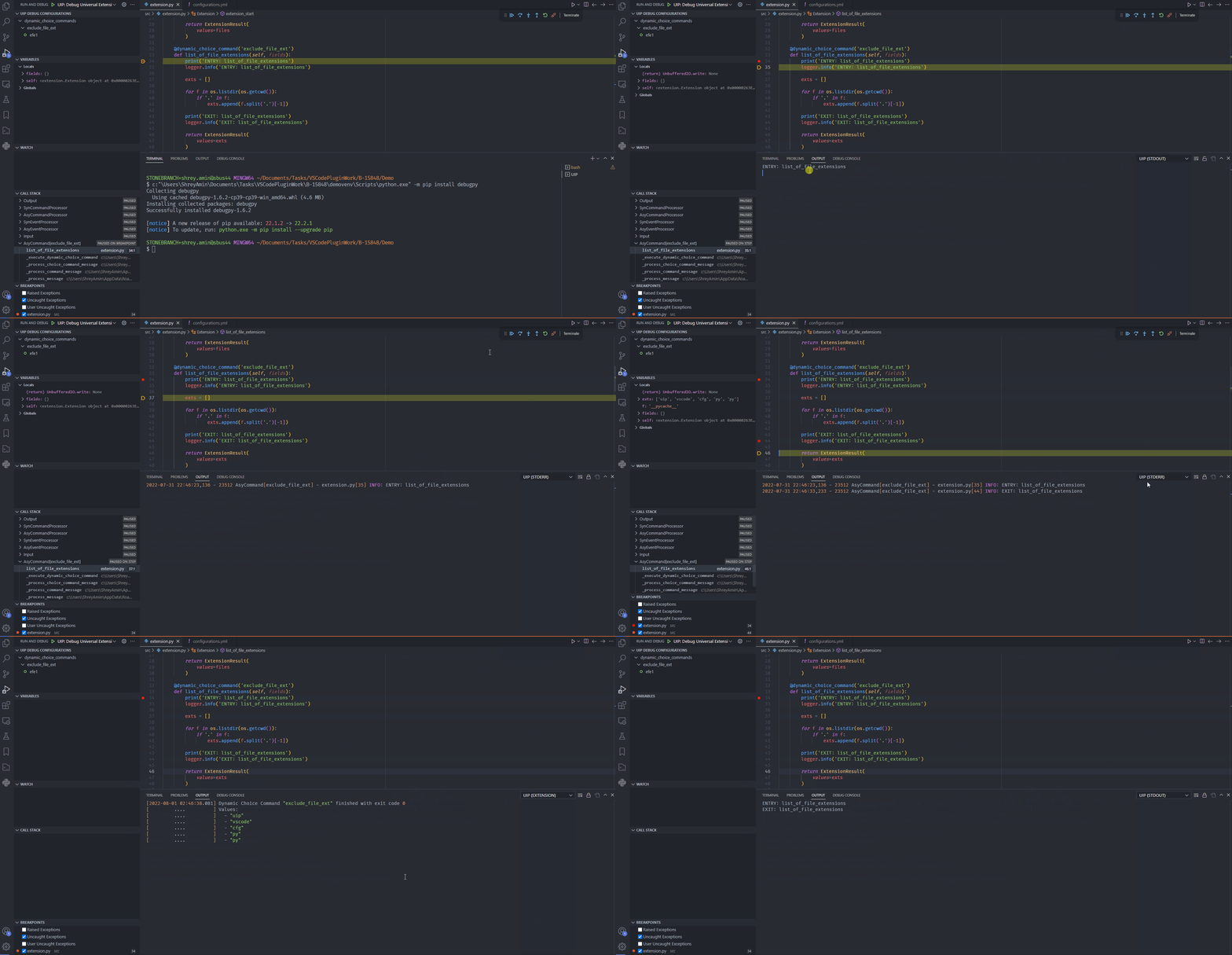
In the subsequent file picker dialog, locate the downloaded bundle zip (See Downloading/Installing Dependencies) and the following set of events should take place:
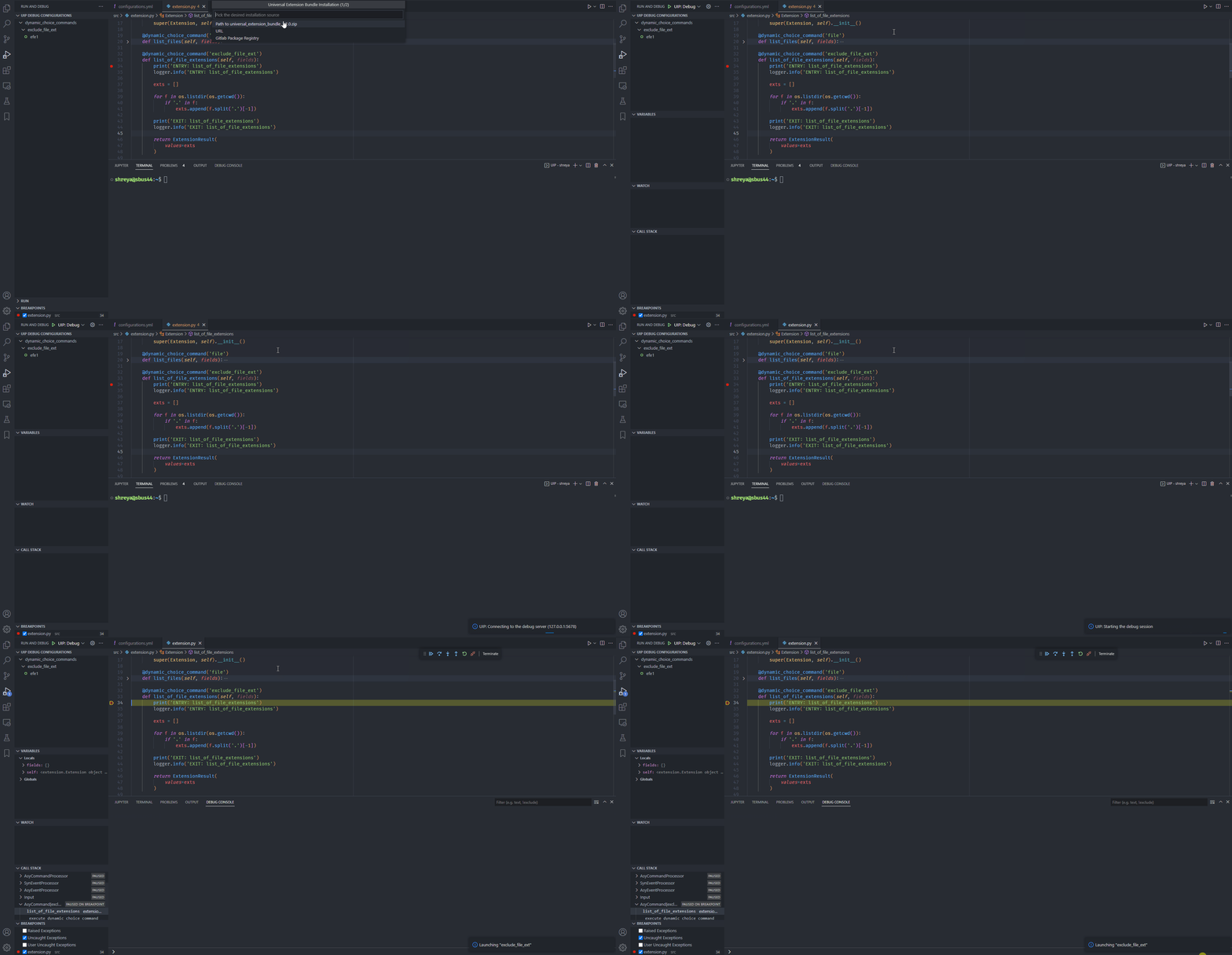
After installing the bundle, the plugin started the debugging session and hit the breakpoint. The following sequence of steps shows how to view the output (in real time) of the exclude_file_ext dynamic choice command: