Update OAuth Settings for Universal Portal
Finally, we will configure OAuth for Universal Portal by updating the OAuth Single Sign-On Settings in Universal Controller.
Step 1 | Login to your Universal Controller instance at |
|---|---|
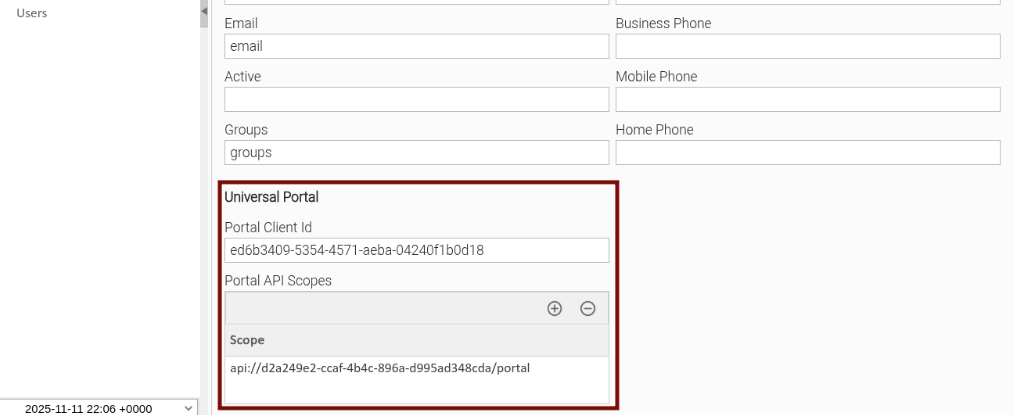
Step 2 | Go to Administration > OAuth Single Sign-On. Scroll down to Universal Portal section. Set Portal Client Id to the Application (client) ID value in Entra you noted earlier. Add Portal API Scope to the Scope value in Entra you noted earlier.
Save the new settings. |
Step 3 | Open your browser and navigate to Universal Portal.
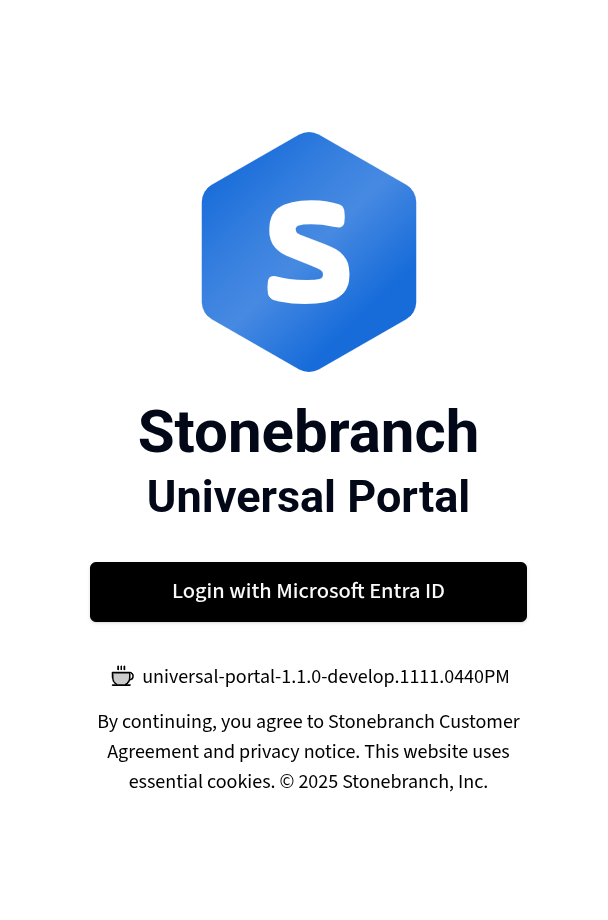
You will be prompted to sign in with Microsoft. After successfully logging in, you will be taken to the Taskboard. |