User Interface
The Universal Portal User Interface is designed to be straightforward and easy to use, even for users without expertise in Universal Controller. Because Universal Portal is an entirely visual environment, all of its features can be accessed directly from the User Interface.
For information on features specific to each major component of Universal Portal, see:
Landing Page
After logging in, you will be taken to the Taskboard.
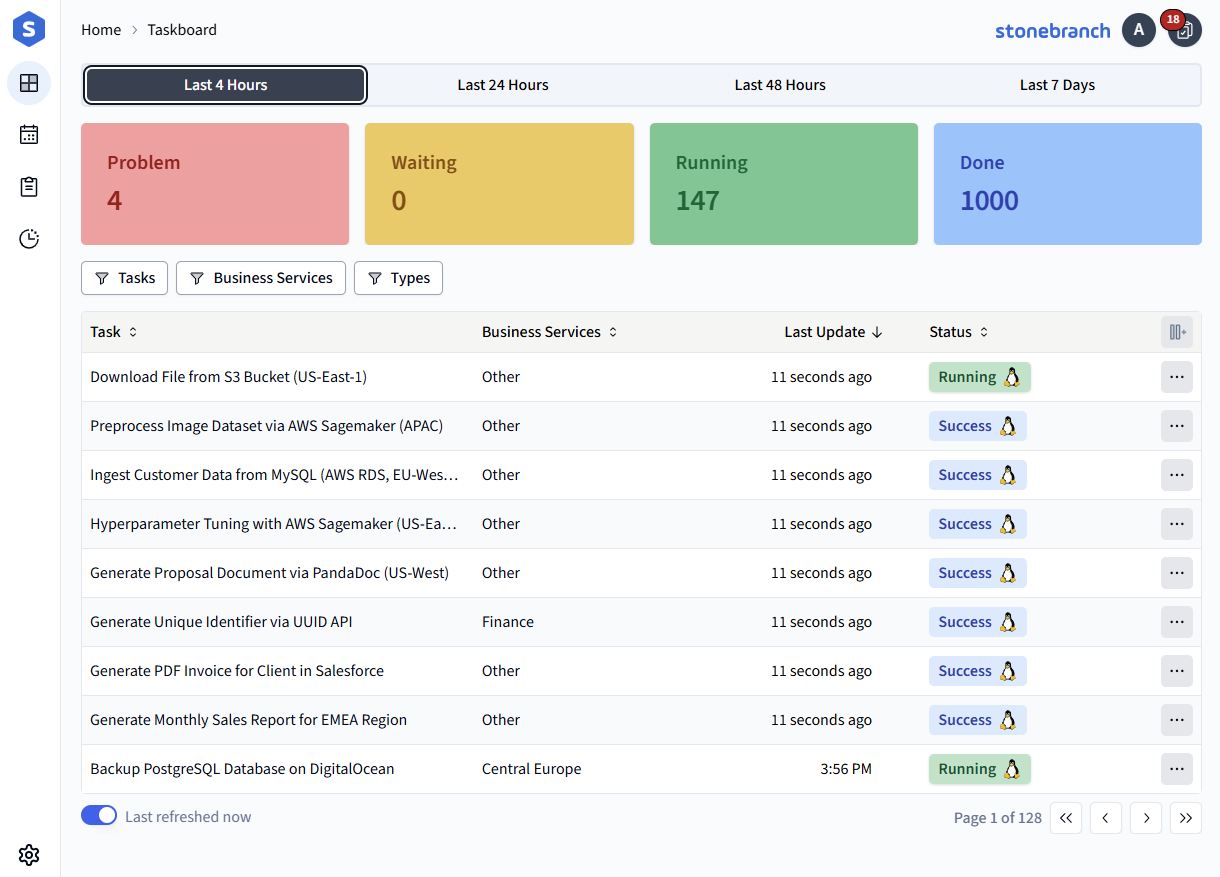
The interface has a responsive design, so it will adjust to accommodate screen size. Some features will be resized or hidden when shrinking to a smaller screen. Certain controls are designed to work on tablets and phones.
From here, as with any page in Universal Portal, you can navigate to other pages via the Sidebar, see your Company Logo, and access User Options. See Navigation for more details.